Power Administrator · Early access · For principals & campus leaders

Lead the school. Let AI handle the first draft.

An AI command center for school and campus leaders. Substitute coverage works today; the drafting suite is in early access.

Early access by request · We set it up with you

  • Live today: substitute coverage
  • K-12 and university modes
  • You approve everything
The SubAssist administration overview for a fictional middle school: this week's absences, with classes that still need a substitute flagged in red at the top.

Sound familiar?

6:40 a.m. A teacher calls in sick, and first period starts at 7:50. The Friday newsletter isn't written, two evaluations are overdue, and the board report still needs a summary nobody has started. The class gets covered first. The writing waits until tonight.

Cover the class first. Then get a head start on the writing.

  • SubAssist turns one absence report into a published plan and a code the substitute can use.
  • The drafting suite, in early access, is being built to take the first pass at memos, evaluations and reports.

Features

What Power Administrator does for you.

Live today · SubAssist

Cover the class before first period.

SubAssist works today on the shared Skybird account: teachers open it at gradassist.ai, under More, then SubAssist. A teacher reports the absence, and SubAssist copies their latest class schedule into a plan, publishes it and creates a code for the substitute. You see every absence from your office.

  • One button for teachers. "Report Absence" copies the most recent schedule and publishes the plan.
  • No substitute accounts. Substitutes enter a code and see only published plans.
  • Every absence in view. Uncovered classes sort to the top, AI can draft missing materials, and plans export to Word.
SubAssist after a teacher reports an absence: the plan is created with five class periods copied, and a substitute access code is ready to share.
Early access · Document analysis

Ask the board packet what needs your attention.

Upload a budget draft, a board packet or a policy and ask what you need to know. Conversational analysis proposes a plan, runs the steps you choose and answers your follow-up questions.

  • Your files as they are. Quick analysis reads Word, PDF, Excel and image files.
  • You pick the steps. Approve the analysis plan before anything runs.
  • Ask again. Follow up in the same conversation, then download the results.
Conversational document analysis in Power Administrator: two fictional files, a three-step analysis plan the leader approved, and a short answer about the board meeting.

Early access · In development

First drafts for the writing that fills your week.

We're building 19 drafting tools in seven groups, from the Friday newsletter to the board report. The forms are built, and the AI drafting is in development with early-access schools. You'll review and edit every draft.

  • Communication & staff. Memos, newsletters, crisis messages, and observation notes into a formal evaluation.
  • Plans & reports. Board reports, budget narratives, improvement plans and SWOT, plus accreditation in university mode.
  • Playbooks. Save a filled-in form, like the weekly newsletter, and reuse it. For now, playbooks are saved in your browser.
The Observation to Evaluation form in Power Administrator, filled with fictional notes. The draft panel is empty and marked in development.

The full toolkit

Everything inside Power Administrator.

Nine categories. Open one to see every tool by name.

SubAssist · Live today

3 tools
  • Report Absence & sub plans (teachers)
  • Substitute portal, code only
  • Coverage overview (admins)

Analysis & Playbooks · Early access

3 tools
  • Quick Analysis
  • Conversational Analysis
  • My Playbooks

Communication · In development

3 tools
  • Email & Memo Composer
  • Newsletter Builder
  • Crisis Communication

Staff & HR · In development

4 tools
  • Observation → Evaluation
  • Hiring Toolkit
  • Professional Development
  • Letters & References

Policy · In development

2 tools
  • Policy Drafter
  • Handbook Manager

Data & reports · In development

3 tools
  • Report Generator
  • Data Analyzer
  • Budget Tools

Strategic planning · In development

3 tools
  • Improvement Plans
  • SWOT Analysis
  • Accreditation Support (university mode)

Meetings · In development

2 tools
  • Agenda Builder
  • Minutes & Action Items

Community · In development

2 tools
  • Social Media
  • Event Materials

How it works

Power Administrator in four steps.

  1. The early-access request form, filled in by a fictional principal.

    Step 1: Request early access

    Tell us your role, your school or campus, and whether you run K-12 or a university.

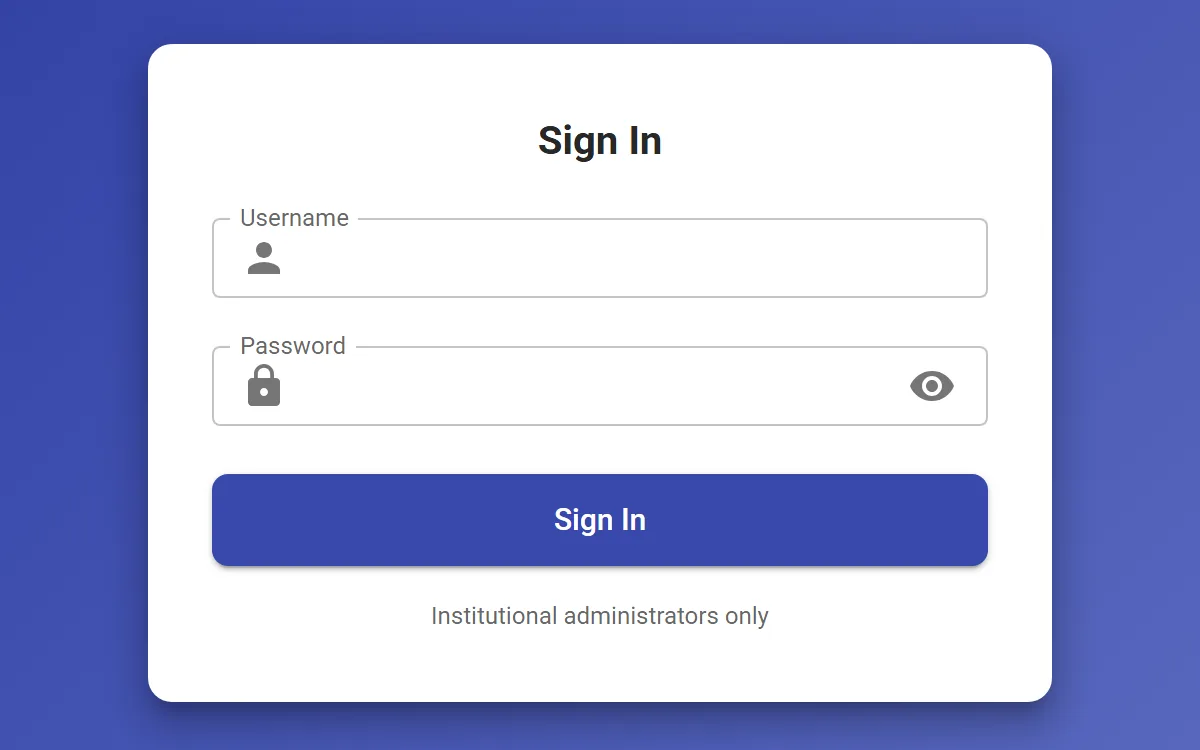
  2. The Power Administrator sign-in card, for institutional administrators only.

    Step 2: We set up your institution

    We add your campus, its staff email domains and its administrators, so leaders can sign in.

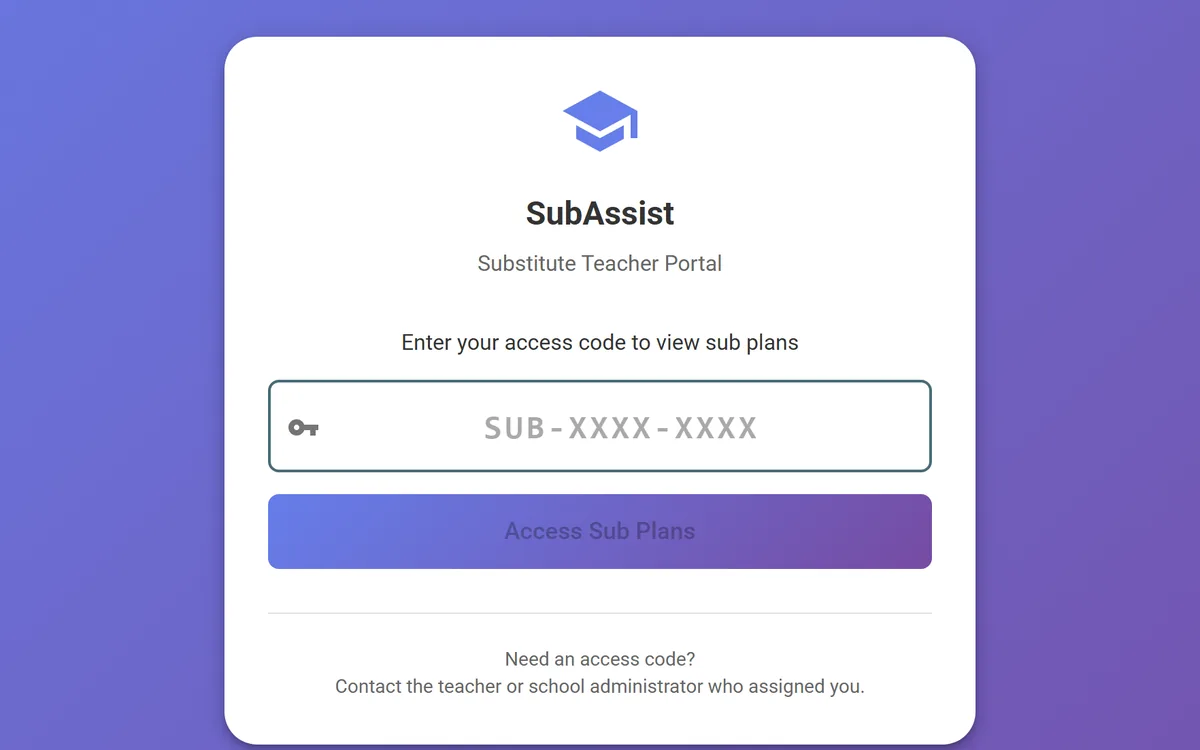
  3. The SubAssist substitute portal, where a substitute enters an access code to view sub plans.

    Step 3: Cover absences from day one

    Teachers report absences in SubAssist on gradassist.ai, and substitutes open the plan with a code. No account needed.

  4. A status list: SubAssist live, document analysis and Playbooks in early access, 19 drafting tools in development.

    Step 4: Shape the drafting suite

    Use document analysis and Playbooks now, and try each drafting tool as it comes online.

Live today · SubAssist

From a sick call to a covered class, before first period.

A sample morning at a fictional middle school, with the part of Power Administrator that works today.

Made for

  • Principals
  • Assistant principals
  • District office
  • Deans
  1. Teacher

    Step 1: Ms. Rivera reports her absence

    One button. Her most recent class schedule is copied into today’s plan, with a note for the sub.

  2. SubAssist

    Step 2: The plan is published with a code

    SubAssist publishes the plan and creates an access code to share with the substitute.

  3. Substitute

    Step 3: Mr. Patel opens it with the code

    No account to create. The substitute sees the published plan, period by period.

  4. You

    Step 4: You see who is covered

    Uncovered classes stay at the top until someone takes them. Plans export to Word.

Sample morning. Every name, school and code shown here is fictional.

Bring SubAssist to your campus

Trust

What you can count on.

  • AI drafts. You decide.

    Power Administrator is built to write the first draft, never the final word. A leader reviews, edits and approves every one.

  • It never sends on its own.

    The drafting tools don't email families, post to social media or publish anything. You send through your school's own channels.

  • Substitutes see only what you publish.

    A substitute enters an access code instead of creating an account, and sees published plans only.

    Privacy policy covering SubAssist (opens in new tab)

Works with

  • SubAssist on gradassist.ai
  • Word export for sub plans
  • Word, PDF & Excel files

Pricing

Bring Power Administrator to your school.

Early access, by request

There's no public price yet. Tell us about your school or campus, and we'll set you up with what works today and bring you in as the rest comes online.

  • SubAssist substitute coverage, live today on gradassist.ai
  • Document analysis and Playbooks in the early-access app
  • Each drafting tool to try as it comes online, in K-12 or university mode
Request early access

FAQ

Questions, answered.

Still curious? Talk to us

What can we use today?

SubAssist, our substitute-coverage workflow, is live today on the shared Skybird account at gradassist.ai. Teachers report an absence, substitutes open the plan with a code, and administrators see coverage at a glance.

In the early-access app, document analysis and Playbooks work now. The 19 drafting tools come next: their forms are built, and the AI drafting behind them is in development.

Why is Power Administrator in early access?

Because most of it isn't finished, and we'd rather say so. Early-access schools get SubAssist and document analysis now, try each drafting tool as it comes online, and tell us what a leader's week really needs.

Does a substitute need an account?

No. When a teacher reports an absence, SubAssist publishes the plan and creates an access code in the format SUB-XXXX-XXXX. The substitute enters it on the substitute page and sees only published plans.

Is it only for K-12?

No. One switch sets K-12 or university mode. University mode adds accreditation support to the strategic-planning tools, so deans and campus administrators can join early access too.

Will it send messages to families or post for us?

No. Power Administrator drafts; it doesn't send email, notify families or post to social media. You review every draft and send it through the channels your school already uses.

Can we run it across several campuses?

Yes, as part of early access. Accounts support several institutions, each with its own staff email domains and administrators, and we set them up with you.

Less paperwork. More leadership.

Request early access

Bringing Power Administrator to your district? Talk to us